Commute Solutions Toolkit
Build better commutes and work experience for a thriving workforce
Connect your employees to more affordable, active, and sustainable commute options like carpooling, vanpooling, biking, walking, working remotely, and compressed work using the no-cost, ready-made materials in Oregon’s Commute Solutions Toolkit.
Access ready-to-use employee materials and digital content to promote commute options, services, and tools by clicking the toolkit drop-downs below. Note that most of these materials can be co-branded and customized for your workplace using your logo, Get There Connect employer network URL, or QR code.
Do you have questions, ideas, or support needs? Email [email protected] for direct assistance!

Equip your employees to use commute options, share the ride, track metrics, and more using Oregon’s free online Get There Connect tool accessible via mobile device and computer. Plus, employees can join challenges and local rewards programs (as available). Create free employer networks (with worksite subnetworks, if desired) for your employees to join in Get There Connect with custom URLs and QR codes that will enable you to track organizational metrics and offer internal rewards. Email us at [email protected] to set up your employer network.
Use these resources as is or customize with your logo, Get There Connect employer network URL, or QR code.
Digital copy
Use copy for intranet/websites, employee emails, newsletters, and more.
Make Your Commute Better with Get There Connect
Discover a better way to commute with Get There Connect, Oregon’s free online trip planning, ridematching, and metrics tracking tool.
With Get There Connect, you can:
- Find and compare commute options
- Join or start a carpool or vanpool
- Explore bike routes and find biking partners
- Track stats like money saved, calories burned, and reduced CO2
- Enter challenges and earn rewards
Getting started is easy:
- Visit GetThereOregon.org/ADD NETWORK URL IF AVAILABLE
- Sign up or login to Get There Connect
- Go to your Dashboard to explore your commute options + more!
Optional, if you have a network URL: By joining [NAME]’s network, you’ll be able to connect with coworkers for carpool, vanpool, and biking trips, and participate in challenges and earn rewards, as available.
Contact [email protected] for questions or support needs.
Get There Connect FAQs
Here are answers to common topics about navigating Get There Connect. You can also visit this guide for additional help on managing your account, exploring features, trip planning, logging trips, and more.
If you have additional questions or need support, contact [email protected].
How to Explore Your Commute Options in Get There Connect
- Sign up or login to Get There Connect
- Go to your Dashboard and select “Your Transportation Options”
- Enter your trip details in the “Explore Options” box
- Use filters for the available travel options such as “active,” “quick,” or “rewardable” to select the one that best fits your needs and priorities
- Choose a travel option to get directions and a route map
How to Find Carpool/Vanpool Partners in Get There Connect
- Sign up or login to Get There Connect
- Go to “Pools” in the lefthand menu. There, you’ll find two tabs: “My Posts” and “Search”
- Select ‘Search’ to explore available ride options created by others
- You can customize your search by:
- Choosing whether you want to be matched with all users or only within specific networks (such as your company or location)
- Using filters to include or exclude other types of pools such as vanpools, walkpools, bikepools, and transitpools
- Adding your specific time schedule requirements
- A list of Pool Matches will populate, if available. Click on the Pool Match card for details on the ride. For Carpool, each posting will specify whether the person is offering a ride (“I’m the Driver!”), is open to either driving or being a passenger (“I’m a Driver or Rider!”), or is seeking to be a passenger only (“I’m a Rider!”).
- Click “Message” to send a message to the Pool Match to coordinate your ride. Your message will be sent to their email inbox and your email will be provided to them to coordinate outside of the platform.
Log Trips & Remote Work in Get There Connect
- Sign up or login to Get There Connect
- Click “Log” then “Create Triplog” in the lefthand menu
- The mode will default to Bicycle if it is your first trip or your last used mode if you’ve logged a trip before Click ‘Bicycle’ at the top to change the mode if needed. You can also add additional modes
- Select one or multiple dates to log trips for. Note: You cannot log future trips
- Specify whether it’s a round or single trip, arrival and departure time, starting and ending location, and trip type. Click ‘Save’
Track Money Savings, CO 2 Reduced & More in Get There Connect
- Sign up or login to Get There Connect
- Go to your Dashboard
- Log your trips by going to the “Log Trips” section in the lefthand menu
- View your stats at the bottom of the home screen dashboard
How do I join my organization’s network in Get There Connect?
If your organization has a network, you can join by clicking your organization’s direct network URL or by scanning their network QR code. You can also search for your organization’s network on Get There Connect during registration or in your profile settings:
- Sign up or login to Get There Connect
- Choose “Account” on the lefthand menu
- Choose “Networks” from the main menu
- Your current networks will display. Search for new networks using the “Join Networks” button at the bottom of the page.
If you’re unsure about how to access this information, you can email your network manager or Get There support staff at [email protected].
Download everything in this section as a single Zip file, or click on individual download links below.
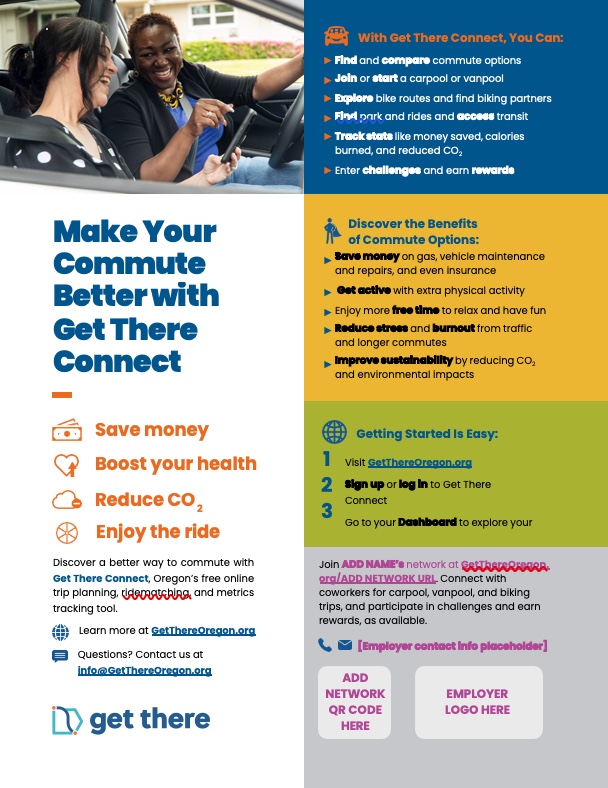
Print and display at your worksite or use a smaller version as an employee handout to promote signing up for Get There Connect.
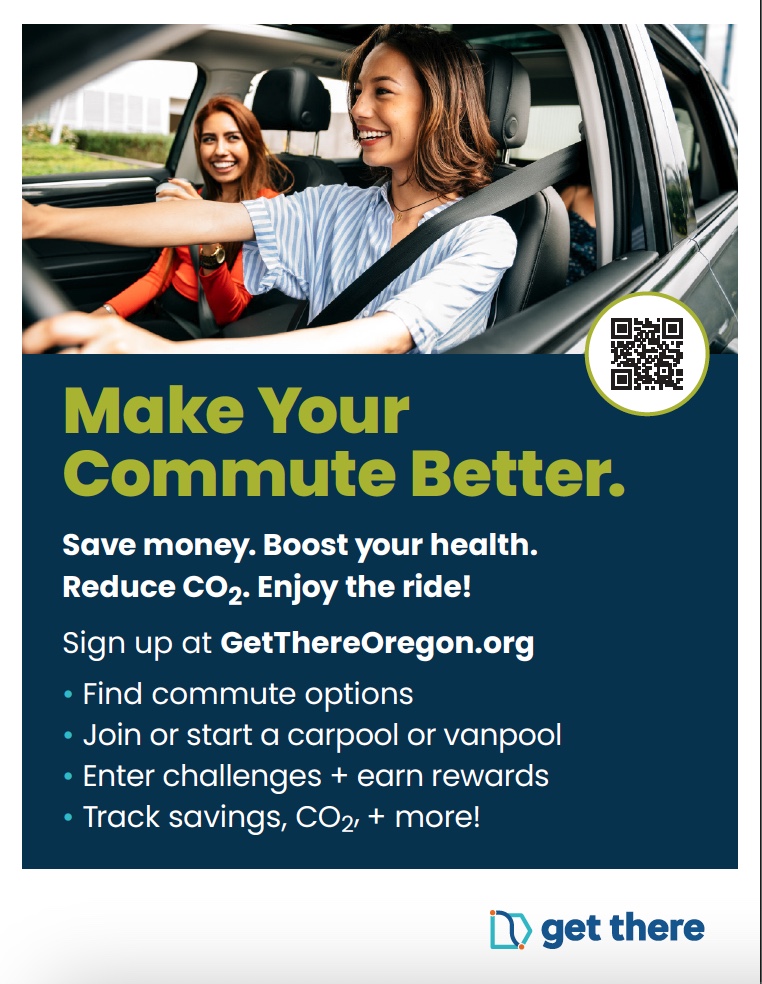
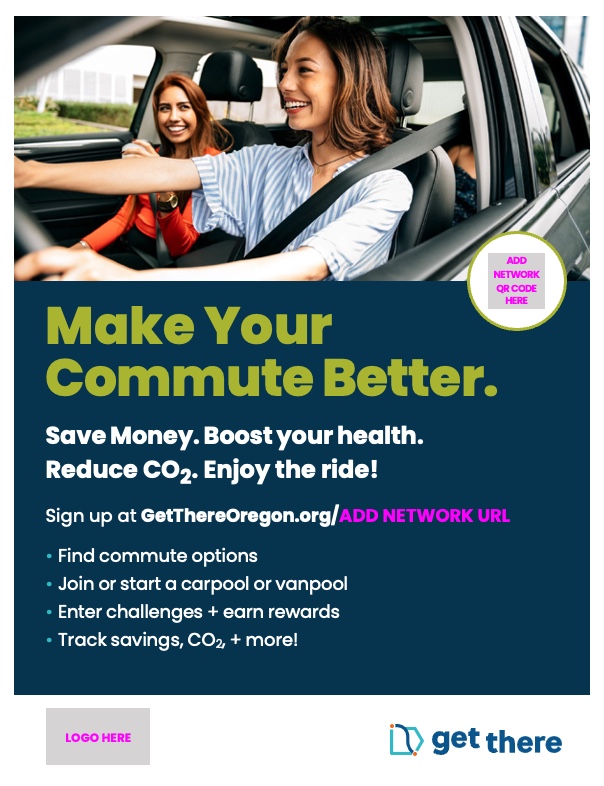
Print and display at worksites or hand out to employees to promote signing up for Get There Connect.
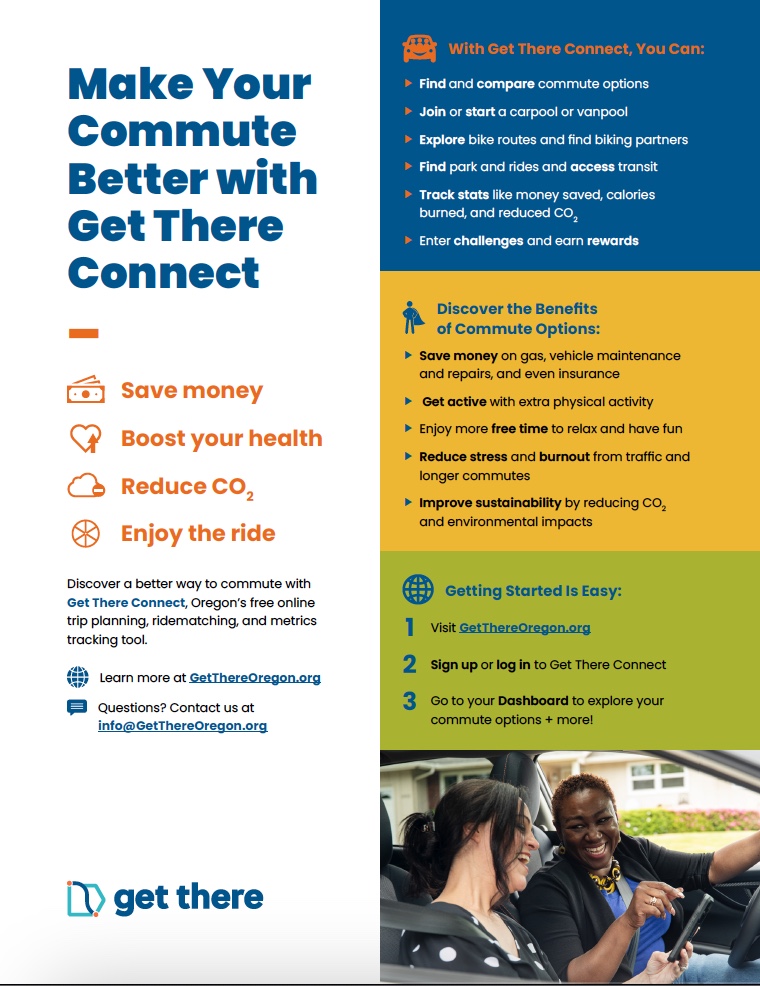
Download and use in break rooms, waiting areas, and lobby displays/TVs to promote signing up for Get There Connect.
Print and hand out to employees to promote joining your Get There Connect employer network.


Print and hand out to employees to promote joining your Get There Connect employer network.
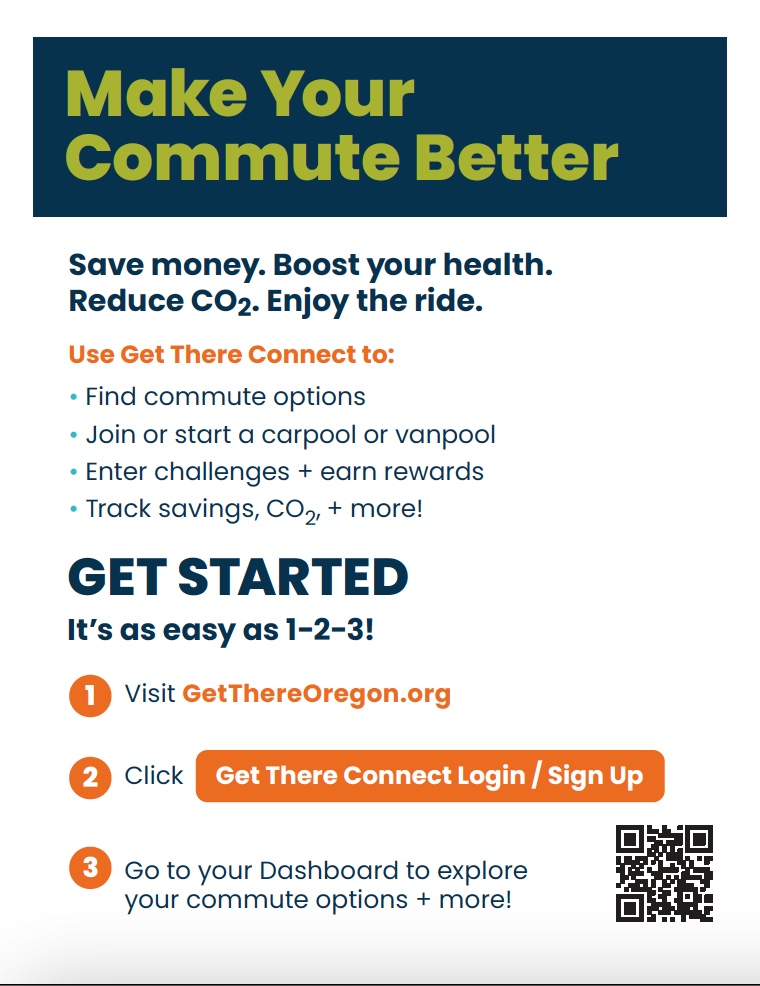

Print and hand out to employees to promote joining your Get There Connect employer network.
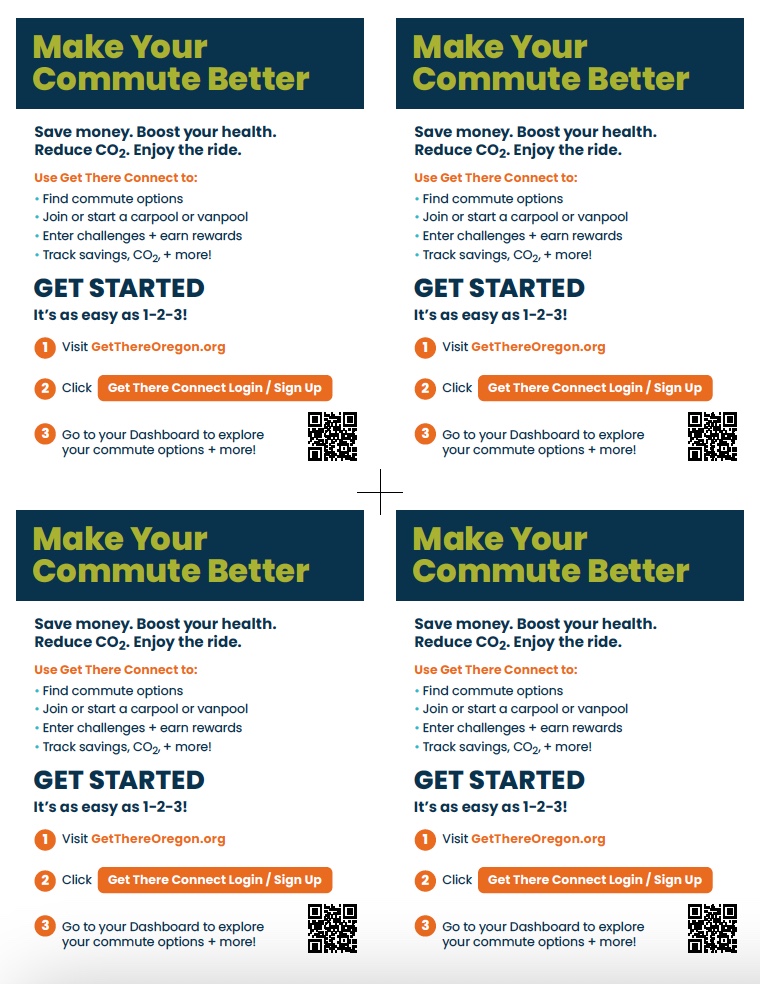

Graphics
Spread the word about Get There Connect using digital graphics. Use on intranet/websites, employee email, newsletters, and more.
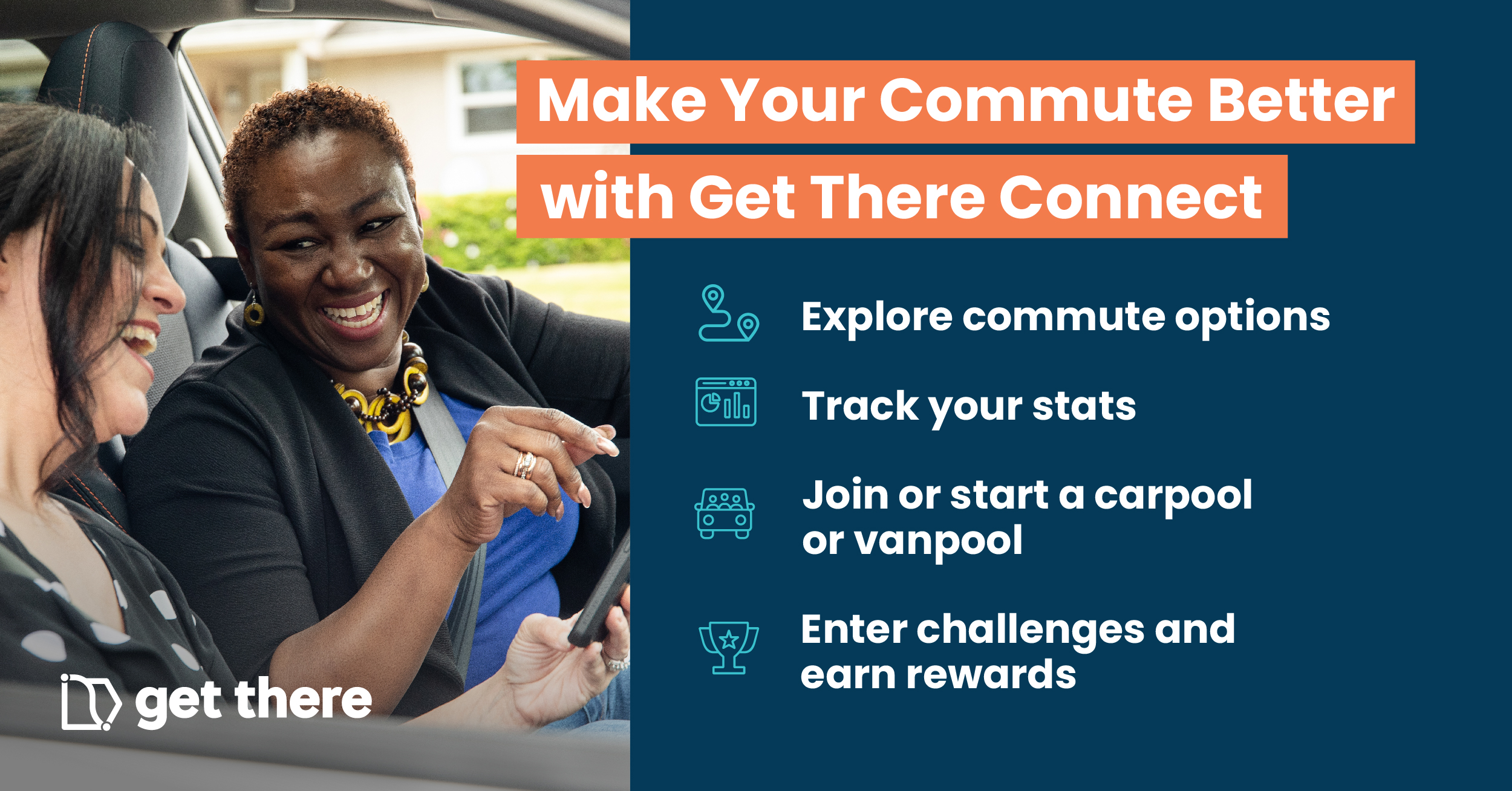
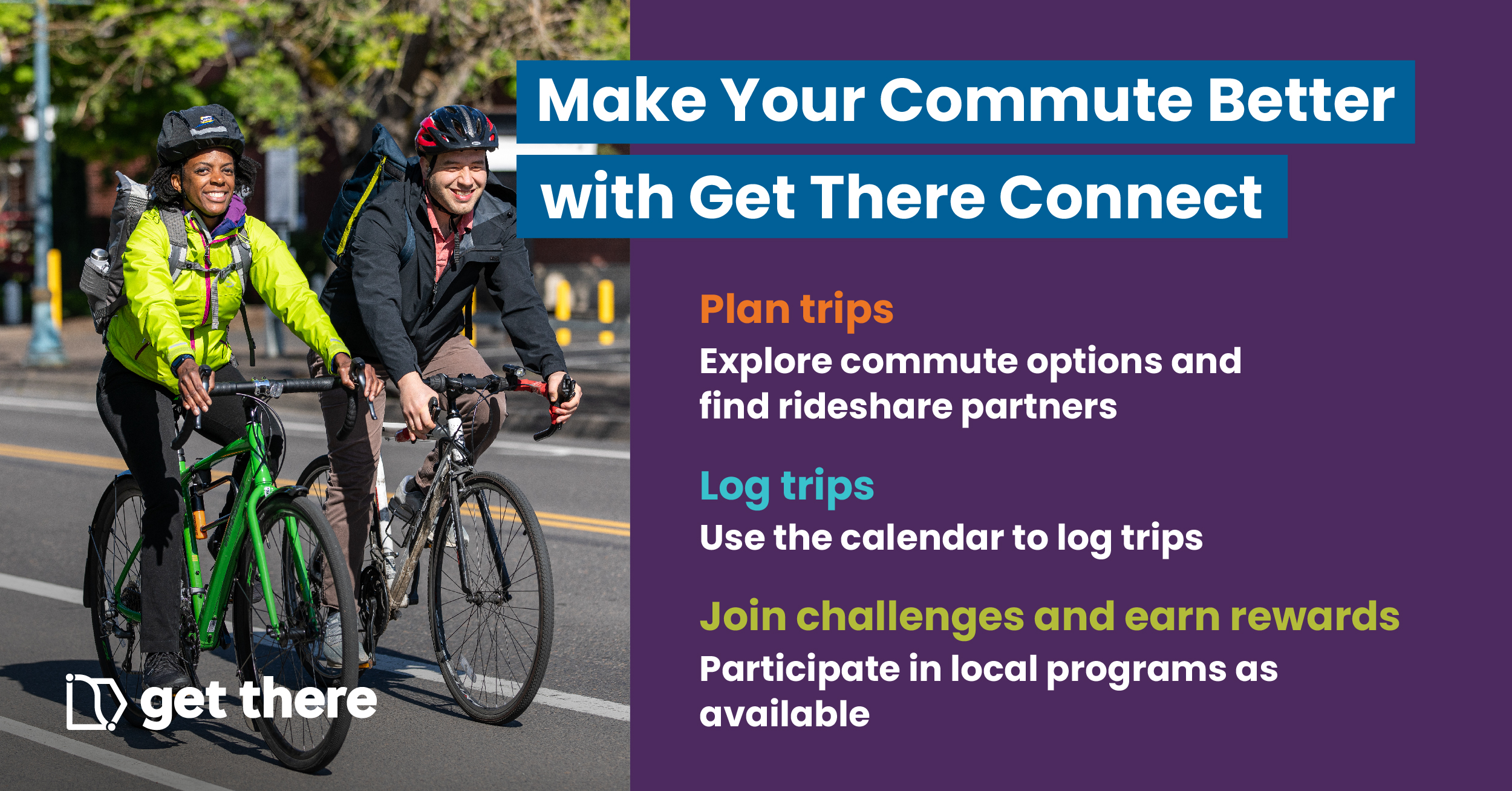
Make your employees’ commute and work experience better, while serving business needs by being part of this year’s Get There Commute Challenge, happening from April 13 – 26, 2026
Joining the Get There Commute Challenge is easy! Workplaces can sign up for a friendly competition to promote greener, more active, and more affordable transportation. First-place workplace networks will be recognized and win a $300 cash prize, delivered to your network manager to spend on participating members of the workplace network.
Get There Commute Challenge Sign-Up Form
How to Participate
- Employer contacts fill out the form to participate in the Get There Commute Challenge and let us know the estimated number of employees at your workplace.
- We’ll sort your workplace into one of three commute challenge size categories, based on the number of employees:
- Small: 3-99 employees
- Medium: 100-499 employees
- Large: 500+ employees
- Encourage coworkers and employees to join your network and participate in the Commute Challenge using ready-made materials from our Commute Challenge Employer Promotional Toolkit.
- Employees compete by logging as many walk, bike, transit, carpool, vanpool, and remote work commute trips as they can April 13-26 to help their workplace network win.
Use these resources to promote carpooling at your workplace. Use as is or customize with your logo or workplace information. See our Better Commutes Carpooling Solutions Guide for additional resources.
Digital copy
Use copy to spread the word about carpooling benefits and tips on intranet/websites, employee emails, newsletters, and more.
Cut your commute costs by carpooling
Share your commute by carpooling and experience a more affordable, sustainable, and enjoyable way to get to work.
Here are some tips for starting a carpool:
- Figure out logistics, including who’s driving and pickup points
- Set ground rules about music, food or rinks, etc.
- Determine how to split up costs and a payment method
- Make a carpool schedule
- Enjoy the ride!
Looking for a carpool partner or others to join your carpool? Visit GetThereOregon.org and use Get There Connect to find carpool partners who live near you.
Contact [email protected] for questions and support.
Get There Connect FAQs
Here are answers to common topics about navigating Get There Connect. You can also visit this guide for additional help on managing your account, exploring features, trip planning, logging trips, and more.
If you have additional questions or need support, contact [email protected].
How to Explore Your Commute Options in Get There Connect
- Sign up or login to Get There Connect
- Go to your Dashboard and select “Your Transportation Options”
- Enter your commute details in the “Explore Options” box
- See all available travel options and use the optional filters to select for active, quick, rewardable, or other trip types.
How to Find Pool Partners in Get There Connect
- Sign up or login to Get There Connect
- Go to “Pools” in the lefthand menu. There, you’ll find two tabs: ‘My Posts’ and ‘Search’.
- Select ‘Search’ to explore available ride options created by others.
- You can customize your search by:
- Choosing whether you want to be matched with all users or only within specific networks (such as your company or location).
- Using filters to include or exclude vanpools.
- Adding your specific time schedule requirements.
- A list of Pool Matches will populate, if available. Click on the Pool Match card for details on the ride. For Carpool, each posting will specify whether the person is offering a ride (“I’m the Driver!”), is open to either driving or being a passenger (“I’m a Driver or Rider!”), or is seeking to be a passenger only (“I’m a Rider!”).
- Click “Message” to send a message to the Pool Match to coordinate your ride. Your message will be sent to their email inbox and your email will be provided to them to coordinate outside of the platform.
Log Trips & Remote Work in Get There Connect
- Sign up or login to Get There Connect
- Click ‘Log’ then ‘Create Triplog’ in the lefthand menu
- The mode will default to Bicycle. Click ‘Bicycle’ at the top to change the mode if needed. You can also add additional modes.
- Select one or multiple dates to log trips for. Note: You cannot log future trips.
- Specify whether it’s a round or single trip, arrival and departure time, starting and ending location, and trip type. Click ‘Save’.
Track Money Savings, CO 2 Reduced & More in Get There Connect
- Sign up or login to Get There Connect
- Go to your Dashboard
- View your stats on the bottom of your dashboard
How do I join my organization’s network in Get There Connect?
If your organization has a network, you can join by clicking your organization’s direct network URL or by scanning their network QR code. You can also search for your organization’s network on Get There Connect during registration or in your profile settings:
- Login to Get There Connect
- Click “Account” from the lefthand menu
- Choose “Networks”
- Search for networks to join or review the ones you are already part of
If you’re unsure about how to access this information, you can email your network manager or Get There support staff at [email protected].
Download everything in this section as a single Zip file, or click on individual download links below.
Print and display at worksites or hand out to employees to promote carpool benefits, tips, and resources.

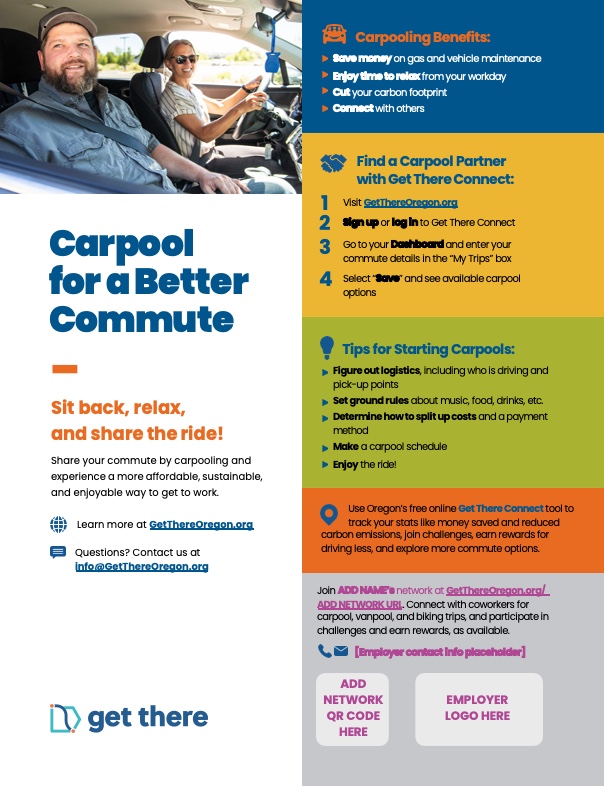
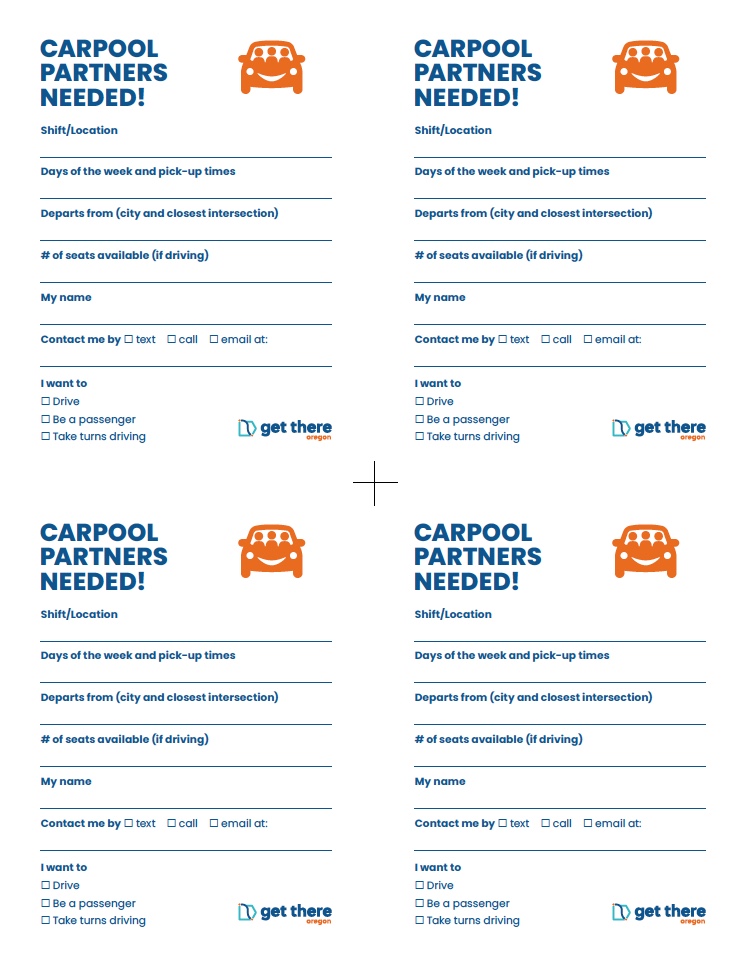
Print and use to match up on-site employees into carpools. Place in break rooms, on bulletin boards or hand out at staff/shift meetings.

Graphics
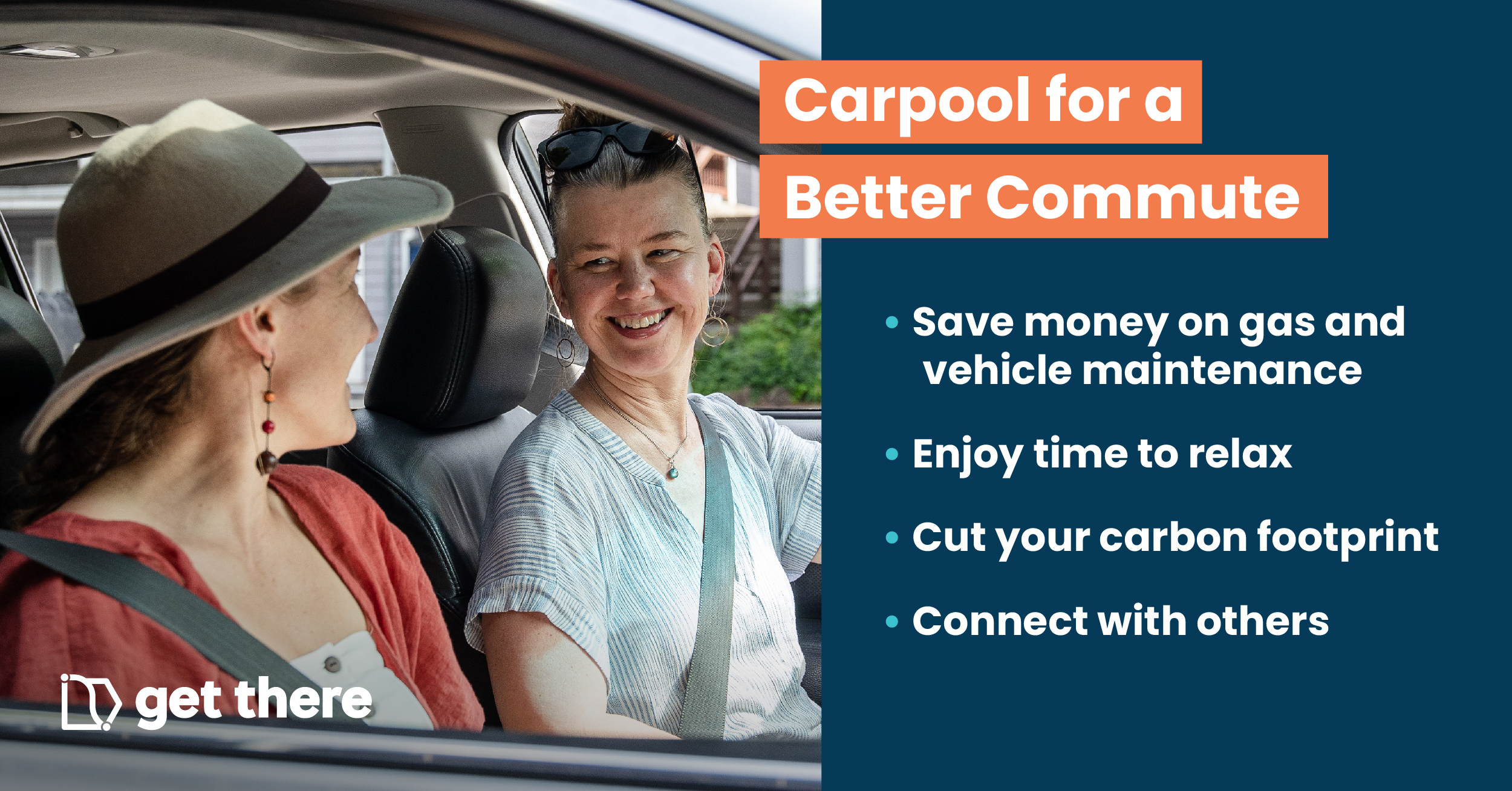
Spread the word about carpooling benefits and tips using digital graphics. Use on intranet/web sites, employee emails, newsletters, and more.

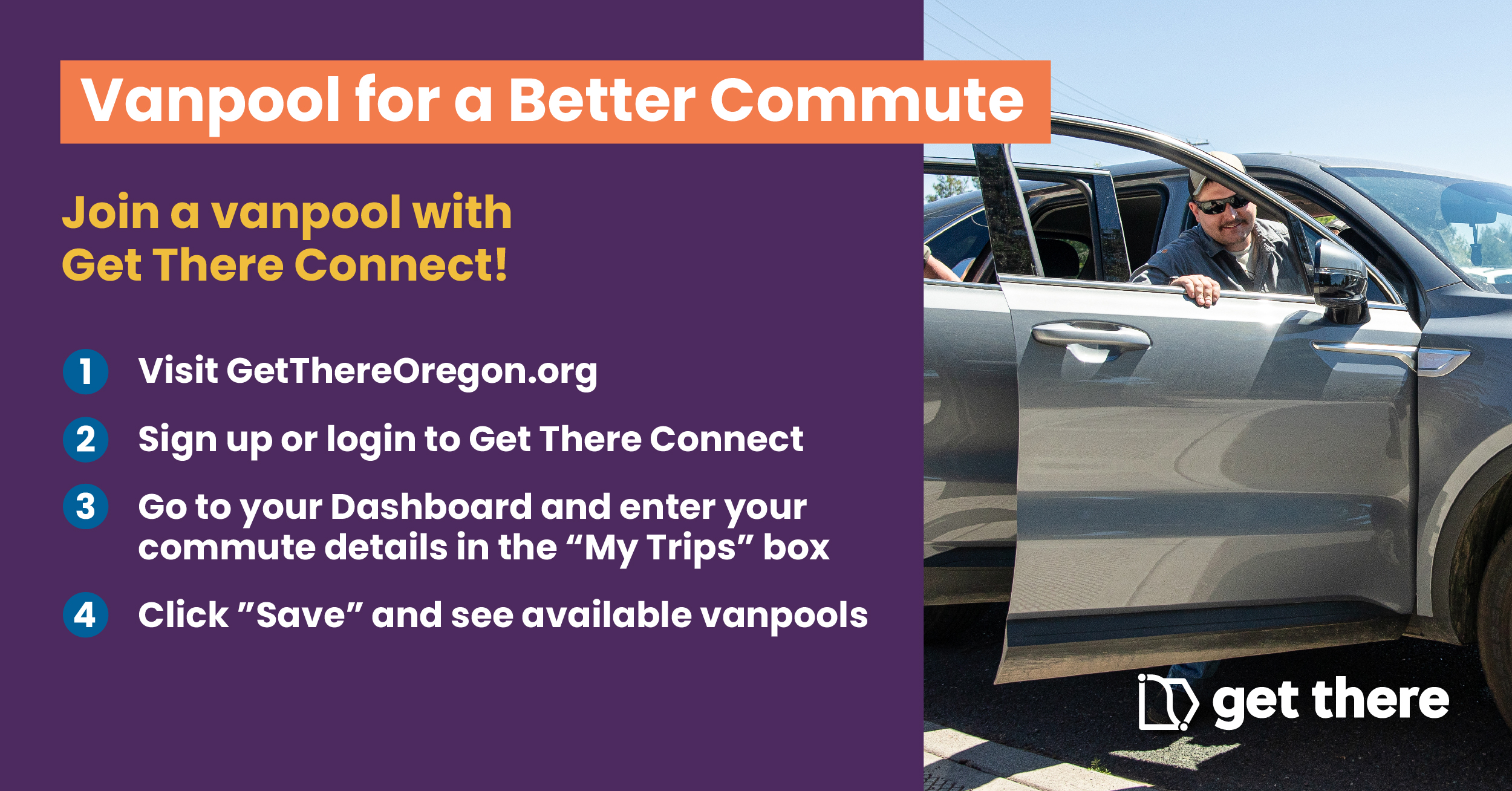
Use these resources to help your employees with longer commutes start or find vanpools. Use as is or customize with your logo or workplace information. See our Better Commutes Vanpooling Solutions Guide for additional resources.
Digital copy
Use copy to spread the word about vanpooling benefits, services, and tips on intranet/websites, employee emails, newsletters, and more.
Long commute? No problem.
Join or get a vanpool started for a money-saving and more sustainable way of getting to work. If you have a longer commute (20+ miles), vanpooling is a great option. Vanpools let you share the load of your commute with a large group (about 5 – 14 people).
Vanpooling offers all kinds of benefits:
- Save money on gas and vehicle maintenance
- Enjoy time to relax from your workday
- Cut your carbon footprint
- Connect with others
Find a vanpool using Get There Connect:
- Visit GetThereOregon.org/ADD NETWORK URL IF AVAILABLE
- Sign up or login to Get There Connect
- Go to “Pools” in the lefthand menu. There, you’ll find two tabs: ‘My Posts’ and ‘Search’.
- Select ‘Search’ to explore available ride options created by others.
- You can customize your search by:
- Choosing whether you want to be matched with all users or only within specific networks (such as your company or location).
- Using filters to include or exclude vanpools.
- Adding your specific time schedule requirements.
- A list of Pool Matches will populate, if available. Click on the Pool Match card for details on the ride. For Carpool, each posting will specify whether the person is offering a ride (“I’m the Driver!”), is open to either driving or being a passenger (“I’m a Driver or Rider!”), or is seeking to be a passenger only (“I’m a Rider!”).
- Click “Message” to send a message to the Pool Match to coordinate your ride. Your message will be sent to their email inbox and your email will be provided to them to coordinate outside of the platform
Commute with Enterprise can help you find a vanpool or set a new one up and provides vehicle rentals, insurance, and 24/7 maintenance and repairs. Learn more at GetThereOregon.org/Vanpool.
Contact [email protected] for questions and support.
A smart way to commute: vanpooling FAQs
Vanpooling is a great option for longer commutes (20+ miles) that delivers money-saving benefits. Interested in getting a vanpool started? Commute with Enterprise, a division of Enterprise Rent-A-Car, provides a range of vanpool services from vanpool matching to providing vehicle rentals, insurance and maintenance.
Here are answers to commonly asked questions about Commute with Enterprise vanpooling services:
Are there vehicle rental options?
Commute with Enterprise rents a wide selection of recent-model SUVs, crossovers, and vans that are low mileage and have optional amenities like WIFI.
How is vehicle leasing set up?
Vehicles from Commute with Enterprise are rented on a month-to-month basis.
Who drives?
Driving duties can be shared between vanpool partners. Drivers must be 25 years of age or older and be licensed for a minimum of 5 years.
How much does vanpooling cost?
Monthly vanpooling costs depend on the vehicle type, amenities, and commute distance. Everyone in the vanpool splits rental and fuel costs.
How is vehicle maintenance handled?
Comprehensive maintenance and repairs are covered by Commute with Enterprise.
What happens if riders drop out?
If someone drops out of a vanpool and a replacement can’t be found, then switching to a smaller vehicle can be explored.
Download everything in this section as a single Zip file, or click on individual download links below.
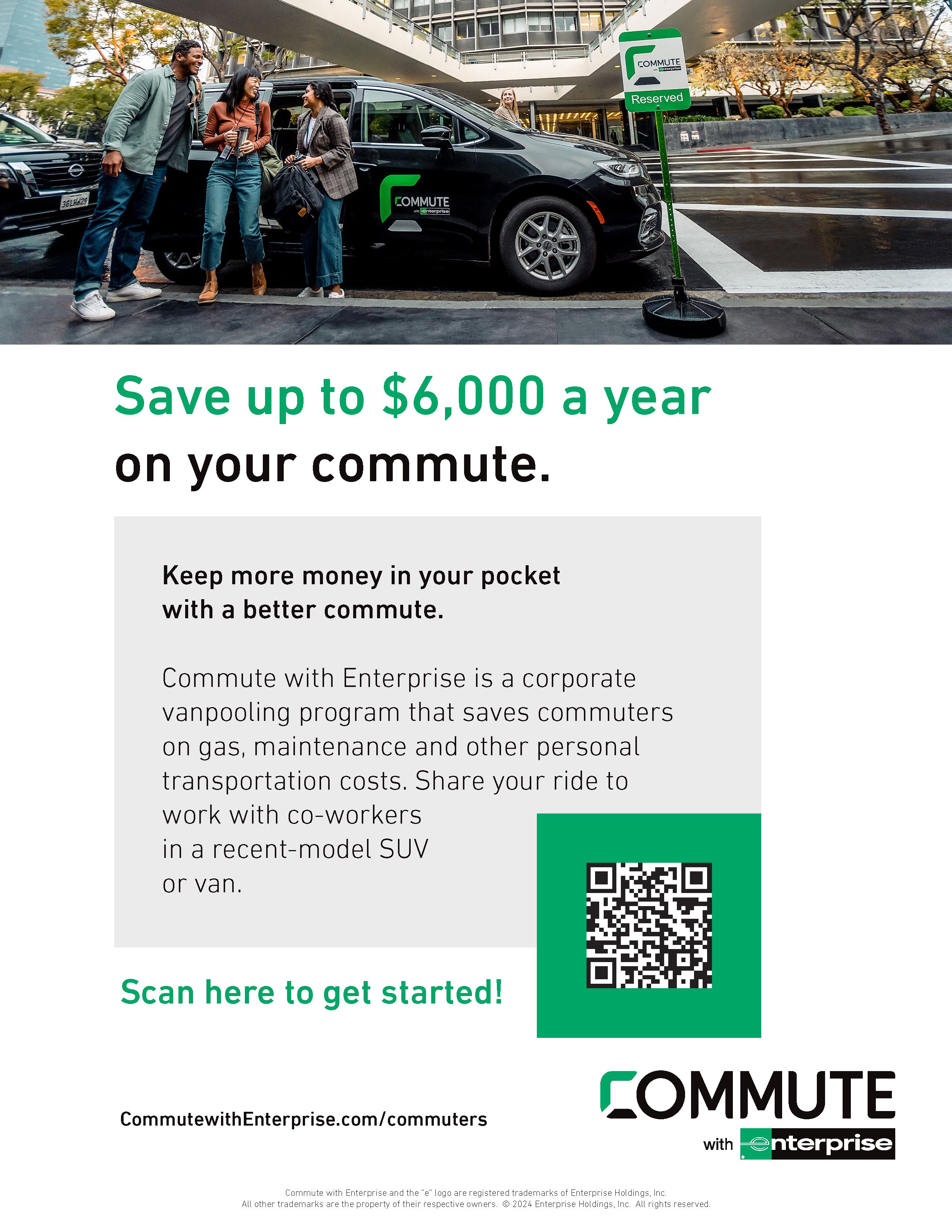
Print and display at worksites or hand out to your employees to promote vanpooling benefits, services, tips, and resources.
Get the word out to your employees about vanpool matching and vehicle rental, insurance, and maintenance services available from Commute with Enterprise.


Print and use to match up on-site employees into vanpools. Place in break rooms, on bulletin boards or hand out at staff/shift meetings.


Graphics
Spread the word about vanpooling tips and benefits using digital graphics. Use on intranet/websites, employee emails, newsletters, and more.


Use these resources to unlock more active commutes by bike for your employees. Use as is or customize with your logo or workplace information. See our Better Commutes Bicycling Solutions Guide.
Digital copy
Use copy to spread the word about bike commuting benefits and tips on intranet/websites, employee emails, newsletters, and more.
Enjoy an active, more affordable commute
Boost your health and wellness, save money, and more by bike commuting! Pedal past traffic, get an active start to your day, and reduce your carbon footprint.
You can get started biking to work with any kind of bike. All you really need is a helmet, lock, and lights. Any clothes can be biking clothes. If needed, there are lots of ways to carry your belongings, whether on your bike or with a backpack.
Tips to get started:
- Dust off your bike or find one that fits your needs. Reach out to your local bike shop or bike organizations in your area for assistance.
- Plan and practice your route to work. Use tools like Get There Connect and Google Maps to find the best route ahead of time.
- Read up on bicycle safety. Resources are available at GetThereOregon.org/Bike to learn about your rights as a cyclist, rules of the road, and basic bike skills for beginners.
- Be sure your bike is tuned up before heading out
- Give yourself some extra time when first starting to bike commute
- Have fun and enjoy your ride!
Contact [email protected] for questions and support or visit GetThereOregon.org for more information.
Download everything in this section as a single Zip file, or click on individual download links below.
Print and display at worksites or hand out to your employees to promote biking benefits, tips, and resources.


Graphics
Spread the word about biking tips and benefits using digital graphics. Use on intranet/websites, employee emails, newsletters, and more.


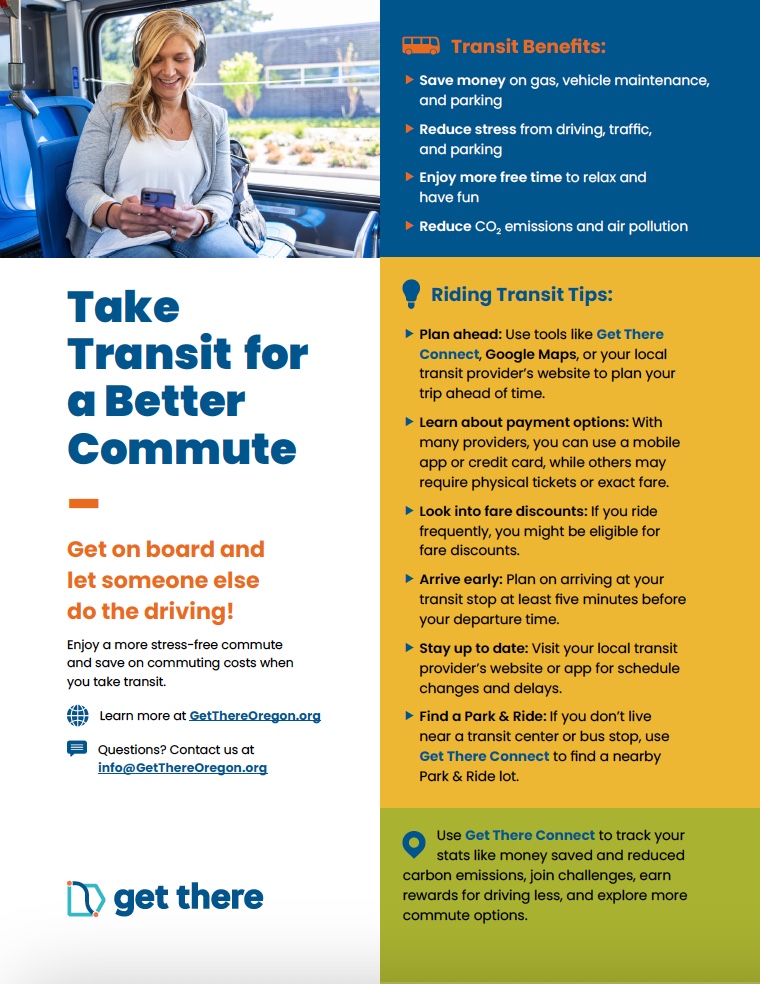
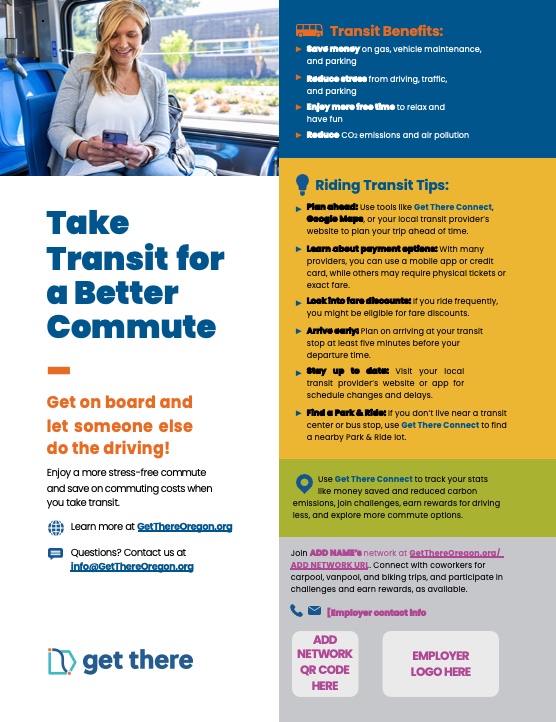
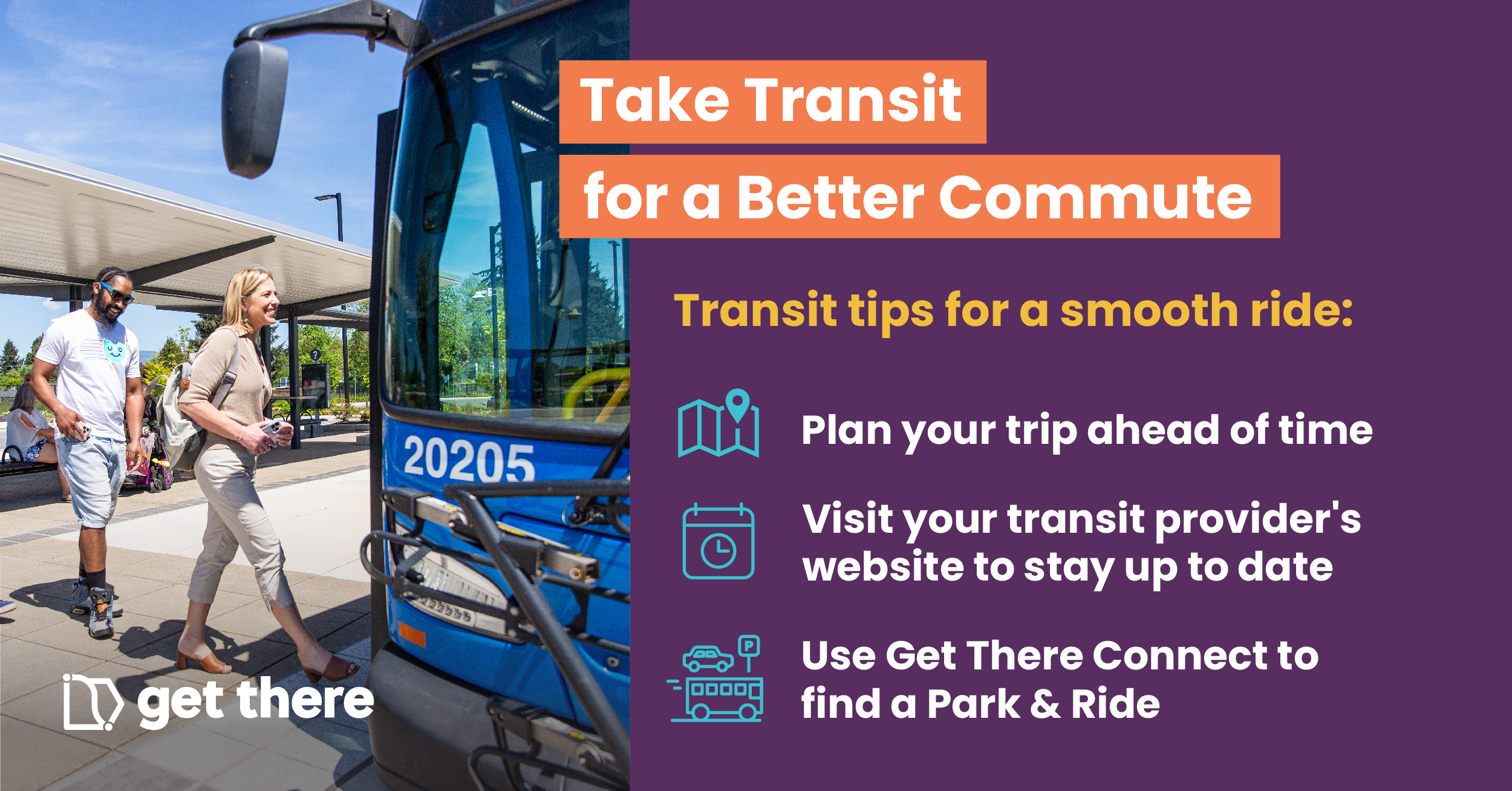
Use these resources to get your employees on board with better commute options by using transit. Use as is or customize with your logo or workplace information.
Digital copy
Use copy to spread the word about tips and benefits of using transit on intranet/websites, employee emails, newsletters, and more.
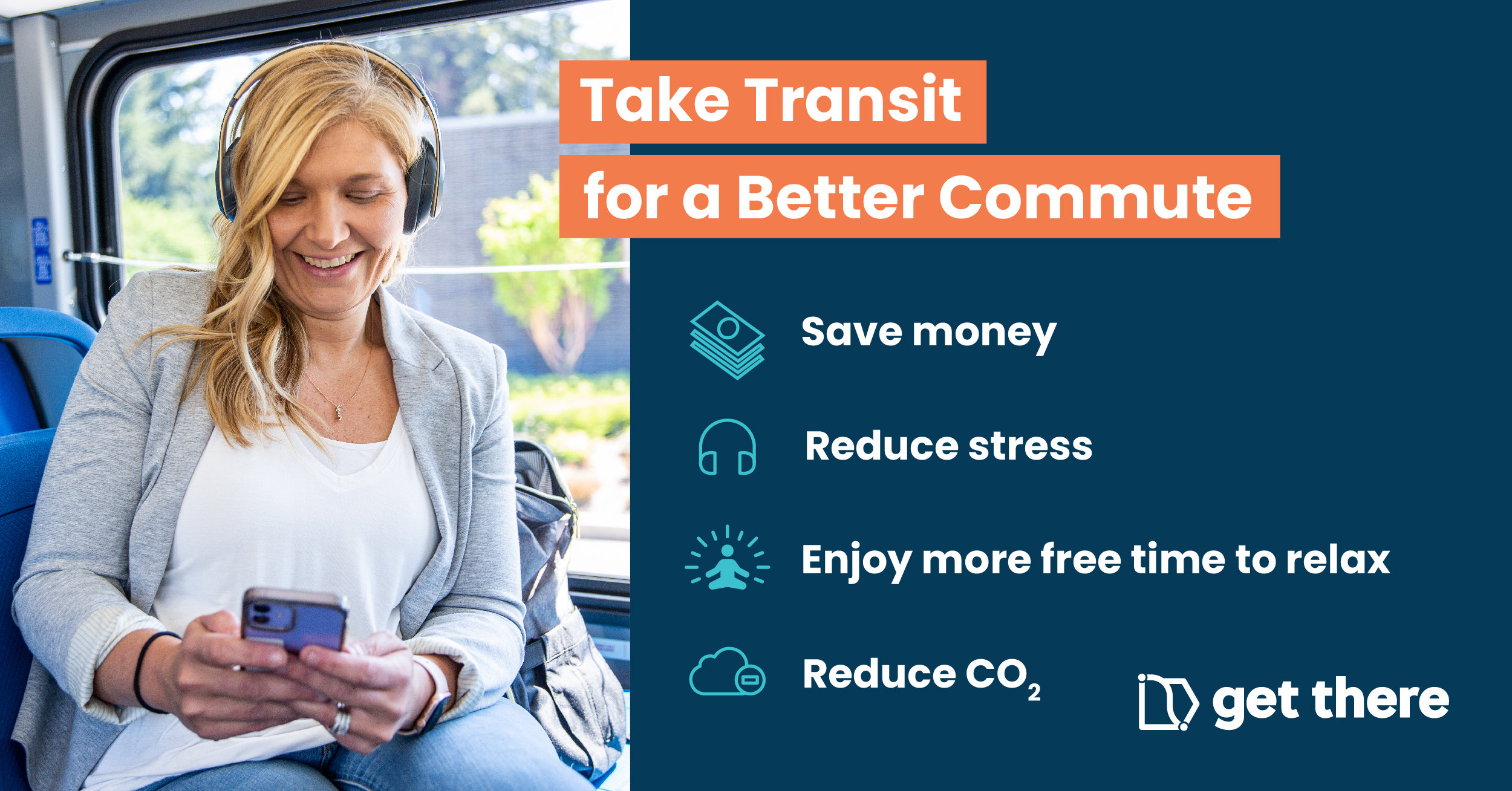
Get on board with a better commute using transit!
Let someone else do the driving and enjoy a more stress-free commute, while saving on commuting costs when you take transit.
Taking transit offers all kinds of benefits:
- Save money on gas, vehicle maintenance, and parking
- Reduce stress from driving, traffic, and parking
- Enjoy more free time to relax and have fun
- Reduce CO 2 emissions and air pollution
Plan your commute using transit by visiting [INSERT LOCAL TRANSIT PROVIDER WEBSITE] or using tools like Get There Connect and Google Maps. If you don’t live near a transit center or bus stop, find a park and ride location nearby by using Get There Connect.
Contact [email protected] for questions and support or visit GetThereOregon.org for more information.
Download everything in this section as a single Zip file, or click on individual download links below.
Print and display at worksites or hand out to your employees to promote transit benefits, tips, and resources.
Graphics
Spread the word about tips and benefits of transit using digital graphics. Use on intranet/websites, employee emails, newsletters, and more.

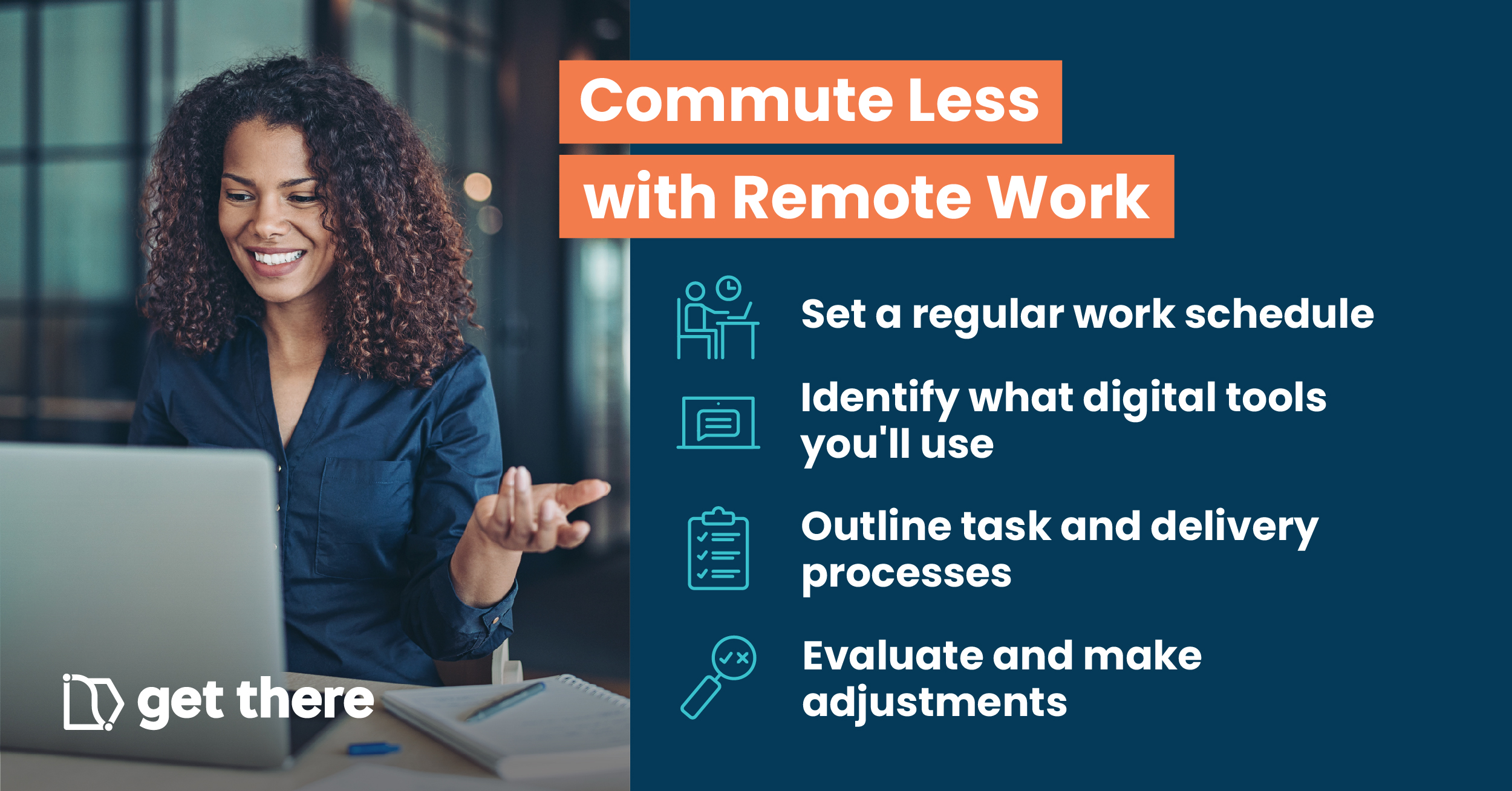
Use these resources to improve the work-life balance of your employees while cutting their commute costs by working remotely. Visit our Resources & Services page for tips and examples of remote work policies from organizations around Oregon.
Digital copy
Use copy to spread the word about remote work benefits, best practices, and tips on intranet/websites, employee emails, newsletters, and more.
Setting up remote work
Remote work can improve productivity, provide better work-life balance, and help lower your commute costs. Cutting back on commute trips made by car can also reduce carbon emissions and environmental impacts to improve sustainability. Plus, take advantage of the extra time otherwise spent commuting by getting more done during the workday.
Here are key areas to cover in creating an effective flexible remote work arrangement:
- Establish an agreed upon schedule detailing remote work days and work hours that aligns with your team’s needs and core hours of operation
- Set up a process for adjusting in advance workdays and/or work hours should you need the time for appointments and errands
- Determine set communication protocols, including how and when communication should take place between you and your manager, other team members, and customers or clients
- Identify what communications and digital tools should be used such as email, chat apps, video conferencing apps, task management systems, and secured shared file systems
- Outline task and delivery reporting processes, including weekly updates and detailed project reports
If you have questions about ADD NAME’s remote work policy or flexible remote work arrangements, please contact ADD DEPARTMENT/INDIVIDUAL CONTACT + TITLE AND EMAIL ADDRESS.
Contact [email protected] for questions and support or visit GetThereOregon.org for more information.
Boost your remote work productivity
Embrace the flexibility and freedom of remote work and start enjoying the benefits! Eliminate the stress of commuting, save money on gas, reduce your carbon footprint, and achieve a better work-life balance. Boost your productivity in a comfortable work environment, helping foster a happier, more successful workplace.
Make the most of remote work with these tips:
- Stay connected using digital communications and collaboration tools
- Tap into task management tools and schedule time for specific tasks
- Keep a regular work routine and let co-workers know about schedule changes
- Cultivate your tech know-how and soft skills like active listening and building rapport
- Routinely assess your workspace equipment, lighting, and setup
Contact [email protected] for questions and support or visit GetThereOregon.org for more information.
Download everything in this section as a single Zip file, or click on individual download links below.
Graphics
Spread the word about remote work best practices and tips using digital graphics.


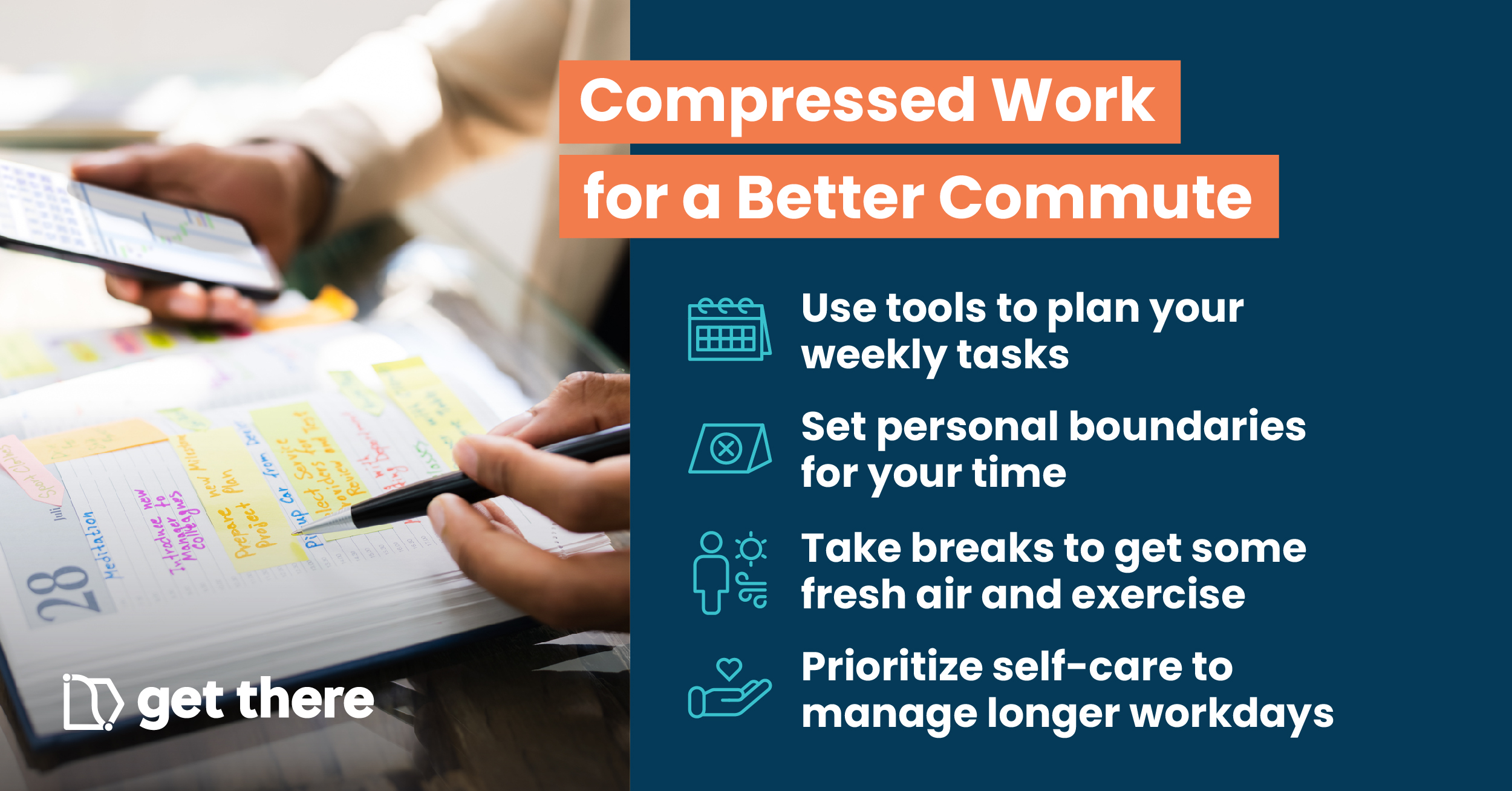
Use these resources to reduce commuting costs for your employees by implementing shorter workweeks. Visit our Resources & Services page for tips and examples of compressed work policies from organizations around Oregon.
Digital copy
Use copy to spread the word about compressed workweek benefits, best practices, and tips on intranet/websites, employee emails, newsletters, and more.
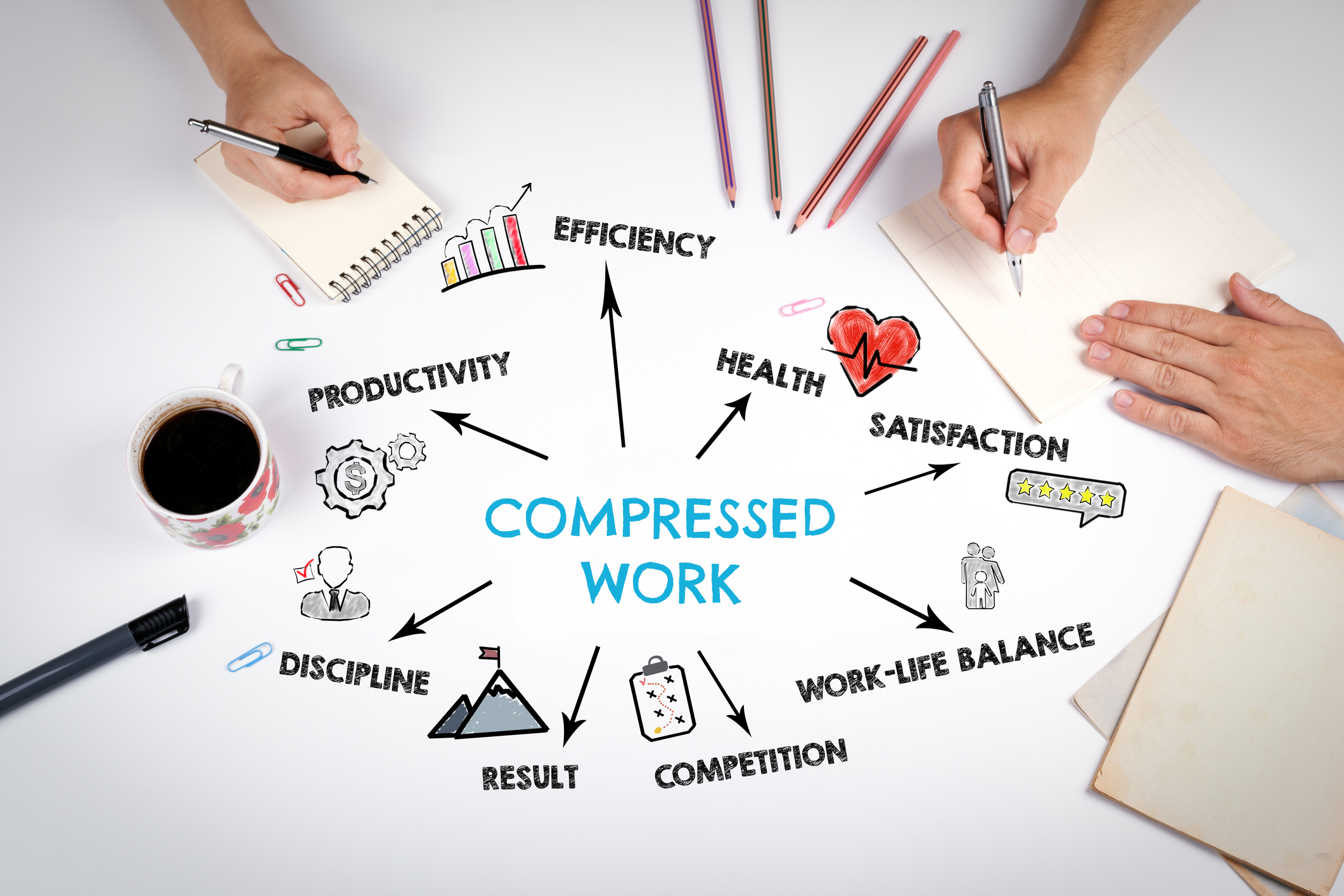
Compressed work gives flexibility, saves money, & more!
If you’re looking for some work flexibility but need to be onsite, having a compressed work schedule might be a great option. By condensing the work week into longer days, you can enjoy greater work-life balance through schedule flexibility, save on commuting, and reduce your carbon footprint. Longer days can also create more focused and uninterrupted workdays, boosting productivity and improving job performance.
What is a compressed work schedule? A compressed work schedule is when a full-time employee works a traditional workweek, generally 35 to 40 hours, in fewer than five days. There are various ways to set up a compressed work schedule, with one of the most common being the 4/10 work schedule or 4-day workweek. Some professionals work three 12-hour days a week due to 24-hour staffing needs.
Contact your manager or division scheduling to explore whether working a compressed schedule can fit your department’s needs.
Learn more at GetThereOregon.org or contact [email protected] for more information.
Download everything in this section as a single Zip file, or click on individual download links below.
Graphics
Spread the word about tips and benefits of compressed workweeks using digital graphics.


Explore local commute option resources and services in your area using the links below.
To connect with local organizations that can provide you with one-on-one assistance and support, visit our homepage and scroll down to “Get There Regional Partners”.
Download everything in this section as a single Zip file, or click on individual download links below.
Bike



Carpool and Vanpool

Compressed and Remote Work




Tabling & Support


Transit


Walk